
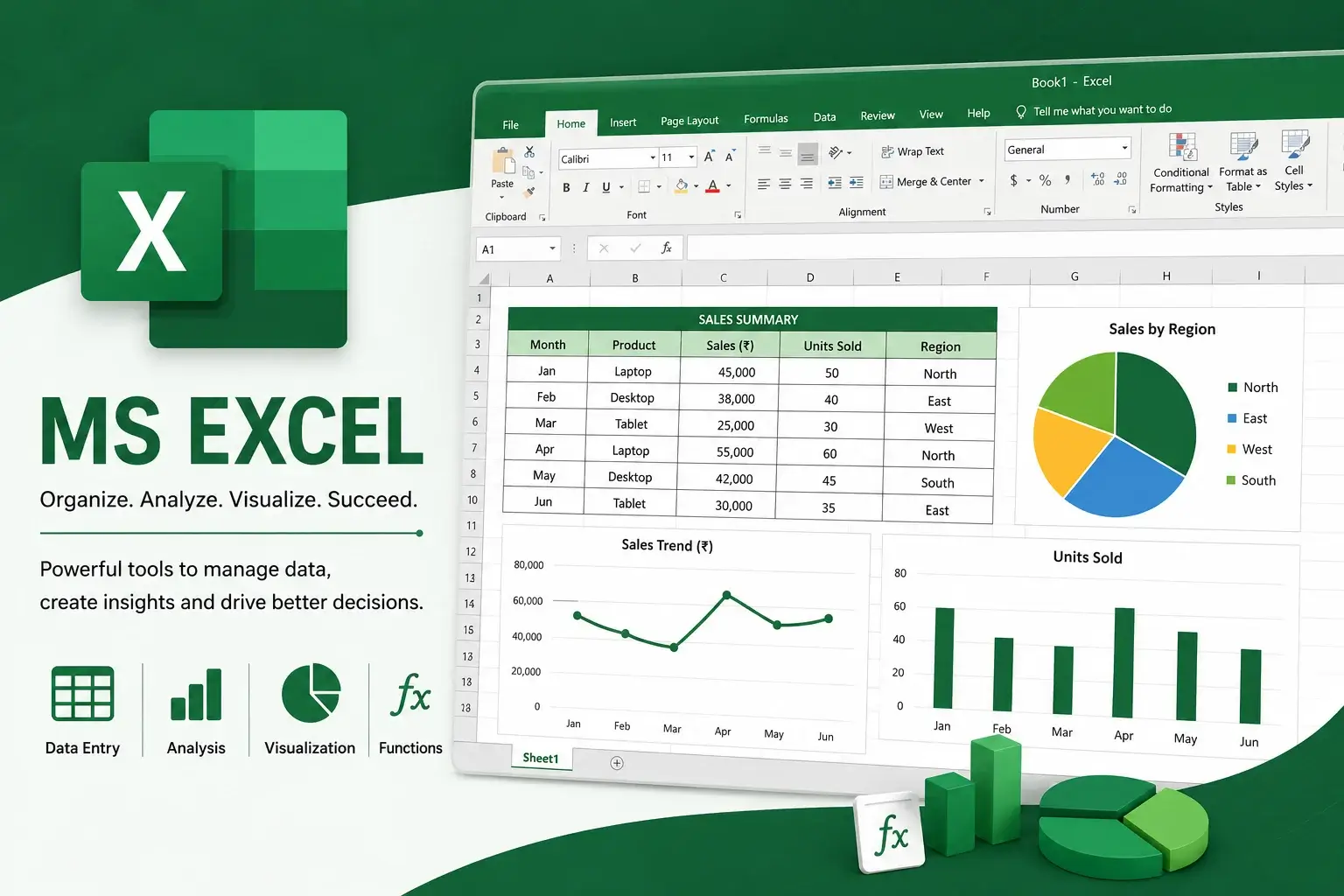
The MS Excel Course is a comprehensive, job-oriented training program designed to help learners master one of the world’s most widely used business applications. Microsoft Excel is an essential skill for professionals across industries, enabling users to organize data, analyze information, create reports, and improve productivity.
In today’s digital workplace, Excel proficiency is considered a fundamental skill. Organizations rely heavily on Excel for data management, budgeting, reporting, business analysis, and decision-making.
This course provides a strong foundation in Microsoft Excel and helps learners develop practical, industry-relevant skills that employers actively seek.
Whether you are a student, job seeker, entrepreneur, accountant, office administrator, or working professional, this course can help you improve efficiency and advance your career.
Why Learn MS Excel?
Microsoft Excel is one of the most in-demand workplace skills globally. Professionals with strong Excel knowledge are valuable assets in almost every industry.
Excel is widely used for:
- Data management
- Financial analysis
- Budget planning
- Reporting
- Inventory tracking
- Business analysis
- Project management
- Performance monitoring
Industries using Excel include:
- Banking
- Finance
- Accounting
- Information Technology
- Human Resources
- Healthcare
- Education
- Retail
- Manufacturing
- Government organizations
What You Will Learn
Excel Fundamentals
Learn the Excel interface, worksheets, rows, columns, and basic operations.
Data Entry and Formatting
Organize and format data professionally.
Excel Formulas and Functions
Learn important formulas such as:
- SUM
- AVERAGE
- IF
- COUNT
- VLOOKUP
- XLOOKUP
- INDEX
- MATCH
Data Analysis
Learn techniques to analyze and interpret business data.
Pivot Tables and Pivot Charts
Create interactive reports and summaries.
Data Visualization
Build charts and graphs to present information effectively.
Dashboard Creation
Learn to create professional business dashboards.
Excel Productivity Tools
Understand filtering, sorting, conditional formatting, and data validation.
Skills You Will Gain
After completing this course, learners will develop:
- Spreadsheet management skills
- Data analysis abilities
- Reporting skills
- Problem-solving capabilities
- Business intelligence skills
- Data visualization expertise
- Time-saving techniques
- Organizational abilities
- Decision-making skills
- Professional productivity skills
Who Should Enroll?
This course is suitable for:
- Students
- Fresh graduates
- Job seekers
- Office administrators
- Accountants
- Data analysts
- HR professionals
- Entrepreneurs
- Business owners
- Working professionals
No prior experience is required.
Career Opportunities
Completing an MS Excel Course can support careers such as:
- Data Analyst
- MIS Executive
- Business Analyst
- Office Administrator
- Accountant
- Operations Executive
- Financial Analyst
- Project Coordinator
- HR Executive
- Administrative Assistant
Industries Hiring
Excel professionals are valuable in:
- IT companies
- Banks
- Accounting firms
- Healthcare organizations
- Educational institutions
- Manufacturing companies
- Retail businesses
- Consulting firms
Certification Benefits
Upon successful completion, learners receive a certificate that validates their Excel proficiency.
Benefits include:
- Improved employability
- Higher workplace productivity
- Better salary opportunities
- Enhanced technical skills
- Career advancement
9. FAQ SECTION
1. What is an MS Excel Course?
An MS Excel Course teaches learners how to use Microsoft Excel for data management, analysis, reporting, and business productivity.
2. Who should enroll in this course?
Students, professionals, accountants, office administrators, and job seekers can benefit from this course.
3. Do I need prior experience?
No. The course is designed for beginners.
4. What topics will I learn?
You will learn formulas, functions, pivot tables, charts, dashboards, and data analysis.
5. How long does the course take?
Most MS Excel courses can be completed within 4 to 8 weeks.
6. Will I receive a certificate?
Yes. A certificate is awarded after successful completion.
7. Is MS Excel a valuable skill in India?
Yes. Excel skills are highly demanded across almost every industry in India.
8. Will I learn advanced Excel functions?
Yes. The course covers important functions and advanced productivity tools.
9. Is MS Excel useful for data analysis?
Yes. Excel is one of the most widely used tools for data analysis and reporting.
10. Can this course improve my job opportunities?
Yes. Excel proficiency is a highly valued skill among employers.





Reviews
There are no reviews yet.