
Introduction
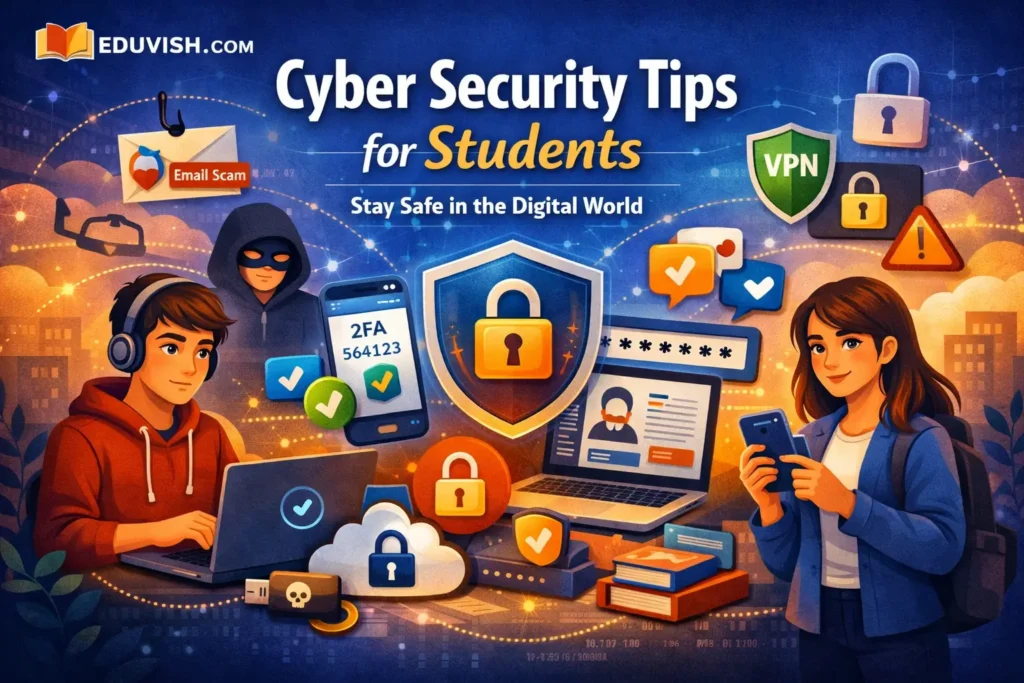
In today’s digital era, students spend most of their time online—attending classes, submitting assignments, and connecting with peers. But with this convenience comes risk. Cyber security is no longer optional; it’s essential. This guide explores practical cyber security tips for students to protect their data, privacy, and digital identity.
Why Cyber Security Matters for Students
- Data protection: Safeguard personal information like passwords and academic records.
- Online safety: Prevent cyberbullying, phishing, and identity theft.
- Digital reputation: Maintain a positive online presence for future employers.
- Financial security: Avoid scams and fraudulent transactions.
Common Cyber Threats Students Face
- Phishing attacks: Fake emails or messages tricking users into revealing sensitive data.
- Malware infections: Harmful software that steals or corrupts files.
- Social engineering: Manipulative tactics used to gain confidential information.
- Public Wi-Fi risks: Hackers intercept data on unsecured networks.
- Password breaches: Weak passwords make accounts easy targets.
Essential Cyber Security Tips for Students
1. Use Strong Passwords
Create complex passwords using a mix of letters, numbers, and symbols. Avoid using personal details like birthdays or names.
2. Enable Two-Factor Authentication
Add an extra layer of security by requiring verification codes for logins.
3. Avoid Public Wi-Fi for Sensitive Tasks
Use mobile data or a VPN when accessing banking or academic portals.
4. Keep Software Updated
Regular updates patch vulnerabilities and prevent malware attacks.
5. Be Cautious with Emails and Links
Don’t click on suspicious links or attachments from unknown sources.
6. Use Reliable Antivirus Software
Install trusted antivirus programs to detect and remove threats.
7. Backup Your Data Regularly
Store copies of important files on cloud platforms or external drives.
8. Secure Social Media Accounts
Adjust privacy settings and avoid oversharing personal information.
9. Learn About Cyber Ethics
Respect others online and understand the consequences of digital actions.
10. Report Suspicious Activity
If you notice unusual behavior or scams, report them to authorities or your institution’s IT department.
Tools and Resources for Student Cyber Security
| Tool | Purpose | Example |
|---|---|---|
| VPN | Secure internet connection | NordVPN, ProtonVPN |
| Password Manager | Store and manage passwords | LastPass, Bitwarden |
| Antivirus Software | Protect devices from malware | Avast, Kaspersky |
| Cloud Backup | Save files safely | Google Drive, Dropbox |
| Cyber Awareness Courses | Learn online safety | Coursera, Udemy |
Real-Life Examples of Cyber Incidents
- Phishing scams targeting students: Fake scholarship emails stealing personal data.
- Social media hacks: Accounts compromised due to weak passwords.
- Data leaks in universities: Exposed student records due to poor security measures.
How Schools Can Promote Cyber Security
- Conduct cyber awareness workshops.
- Implement secure login systems.
- Encourage responsible digital behavior.
Future of Cyber Security Education
With increasing digital dependence, cyber security education will become a core part of school curricula. Students will learn coding, ethical hacking, and data protection as essential life skills.
Conclusion
Cyber security is everyone’s responsibility. For students, it’s the foundation of a safe digital future. By following these cyber security tips, you can protect your identity, maintain privacy, and build a secure online presence.