
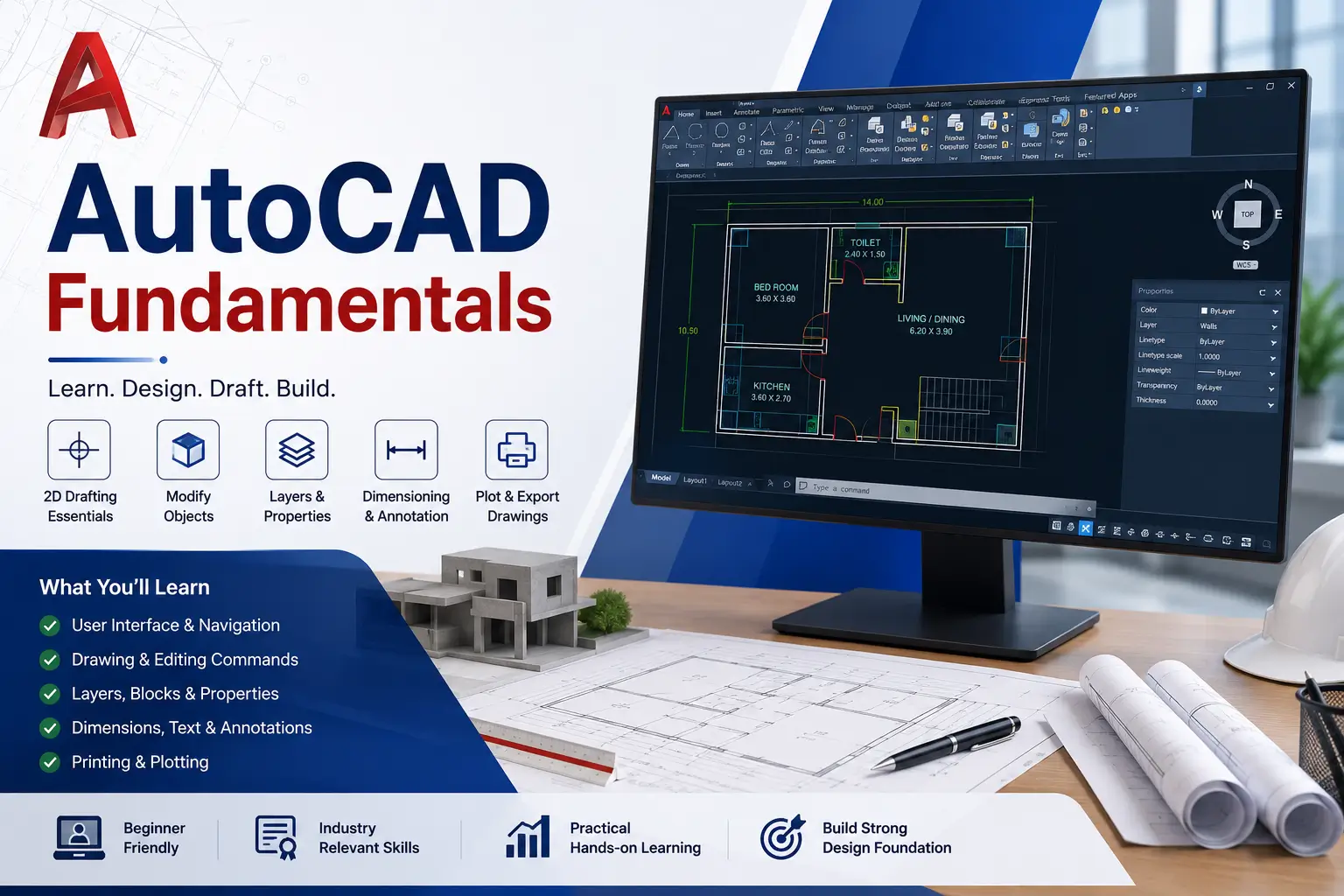
The AutoCAD Fundamentals Course is a beginner-friendly design and drafting program created for students, engineers, architects, and professionals who want to build strong skills in computer-aided design (CAD).
AutoCAD is one of the most widely used software tools in engineering, architecture, and manufacturing industries. It is essential for creating accurate 2D drawings and technical designs used in construction and product development.
This course provides step-by-step training in AutoCAD fundamentals, helping learners master drafting tools, design principles, and professional drawing standards.
Course Overview
The AutoCAD Fundamentals Course introduces learners to CAD concepts, drawing tools, editing commands, and technical drafting workflows.
Students will learn how to create precise engineering drawings, architectural layouts, and mechanical designs using AutoCAD software.
The curriculum is aligned with industry standards used in engineering and design firms.
What You Will Learn
Throughout this course, students will learn:
- Introduction to AutoCAD interface
- 2D drafting fundamentals
- Drawing and editing tools
- Layer management techniques
- Dimensioning and annotation
- Engineering drawing standards
- Block creation and reuse
- Plotting and printing drawings
- Basic introduction to 3D modeling
- Project-based CAD exercises
Skills You Will Gain
After completing this course, you will develop:
- CAD drafting skills
- Technical drawing expertise
- Engineering design understanding
- Precision modeling abilities
- Software proficiency in AutoCAD
- Problem-solving in design tasks
- Visualization of engineering concepts
- Industry-ready drafting skills
- Attention to technical detail
- Project documentation skills
Benefits of the AutoCAD Fundamentals Course
Industry Standard Skill
AutoCAD is used globally in engineering and design industries.
High Career Demand
CAD professionals are needed in architecture and manufacturing sectors.
Beginner Friendly
Starts from absolute basics of drafting.
Hands-On Training
Real-world drawing and project practice.
Career Ready Skills
Helps build strong engineering design foundation.
Who Should Enroll?
This course is ideal for:
- Engineering students
- Architecture students
- Mechanical students
- Civil engineering students
- Diploma students
- Design beginners
- Drafting professionals
- CAD enthusiasts
No prior CAD experience is required.
Career Opportunities
After completing the AutoCAD Fundamentals Course, learners can pursue roles such as:
- AutoCAD Draftsman
- CAD Designer
- Mechanical Drafting Assistant
- Civil Drafting Technician
- Architectural Drafting Assistant
- Design Engineer Trainee
- Technical Illustrator
Career opportunities exist in:
- Construction companies
- Engineering firms
- Manufacturing industries
- Architecture studios
- Product design companies
- Government infrastructure projects
FAQ SECTION
What is AutoCAD Fundamentals Course?
It is a course that teaches basic computer-aided design and 2D drafting using AutoCAD software.
Who can enroll in this course?
Engineering, architecture, and design students can enroll.
Do I need prior experience?
No, this course starts from basics.
Is AutoCAD difficult to learn?
No, it is easy with step-by-step training.
How long is the course?
Typically 1 to 3 months.
Will I get certification?
Yes, certification is provided after completion.
What topics are covered?
2D drafting, drawing tools, and engineering design basics.
Is AutoCAD useful for jobs?
Yes, it is widely used in engineering and design industries.
Can beginners learn AutoCAD?
Yes, it is designed for beginners.
What comes after AutoCAD Fundamentals?
You can move to advanced CAD, Revit, or 3D modeling.





Reviews
There are no reviews yet.