
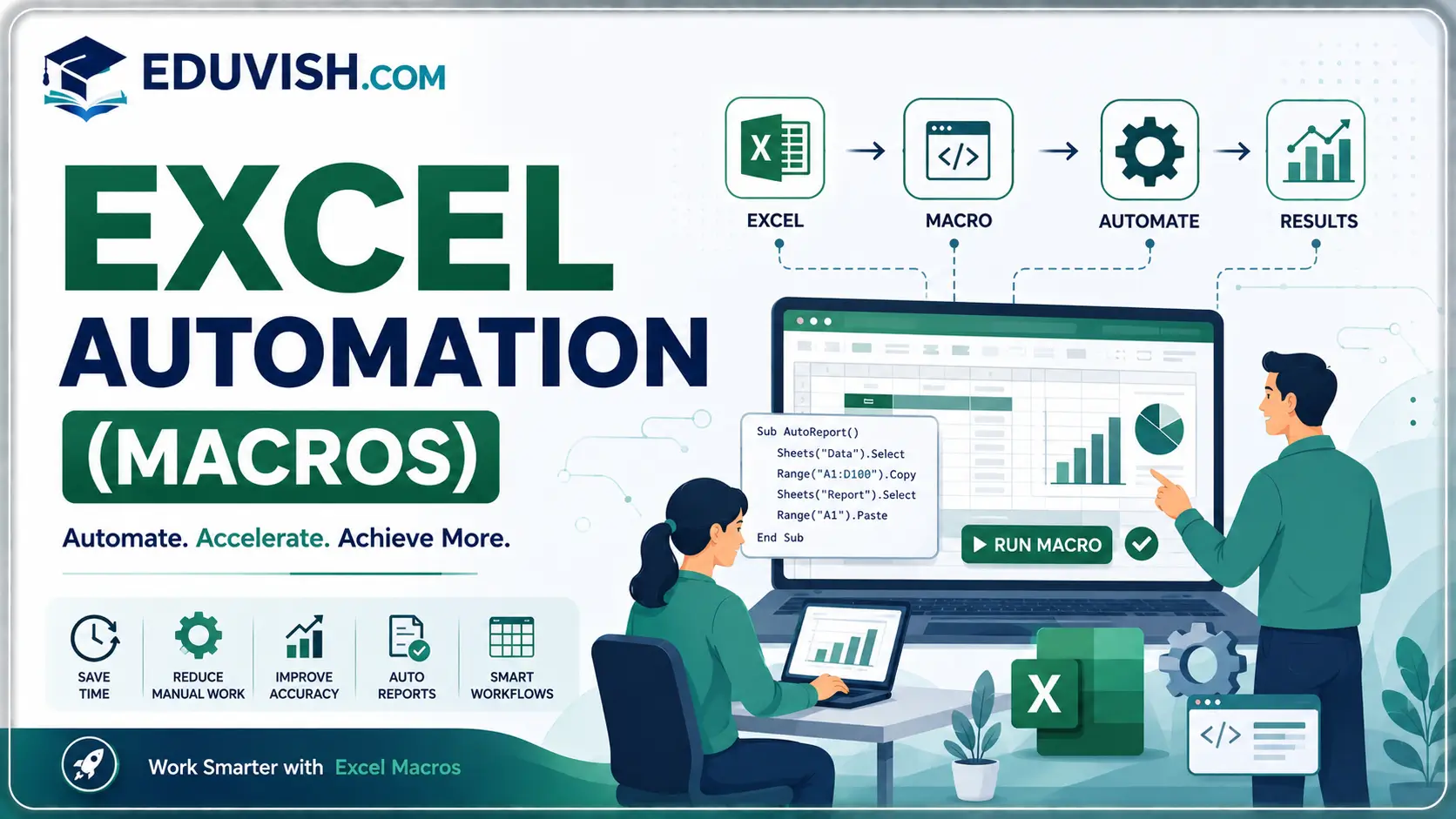
Excel Automation (Macros): Boost Productivity with Smart Workflows
The Excel Automation (Macros) course is designed to help learners unlock the full potential of Microsoft Excel by automating repetitive tasks and streamlining workflows. Macros are powerful tools that allow users to record, write, and execute commands, saving time and reducing errors in data management. This course provides a practical foundation for anyone looking to enhance efficiency in business, finance, or academic projects.
What You’ll Learn
- Introduction to Macros: Understand what macros are and how they simplify tasks.
- Macro Recording: Learn how to record actions and replay them with a single click.
- VBA Basics: Explore Visual Basic for Applications (VBA) to create custom scripts.
- Data Automation: Automate data entry, formatting, and calculations.
- Report Generation: Build automated reports and dashboards for business insights.
- Error Handling: Learn techniques to debug and manage macro errors.
- Advanced Applications: Explore complex automation like conditional formatting, pivot tables, and integration with other Office tools.
Why This Course Matters
Excel is one of the most widely used tools in business and education. By mastering automation with macros, you will:
- Save hours of manual work by automating repetitive tasks.
- Improve accuracy and consistency in data handling.
- Build customized solutions tailored to your workflow.
- Enhance productivity in finance, HR, marketing, and academic research.
SEO‑Optimized Benefits
This course is ideal for professionals, students, and entrepreneurs. With keywords like Excel automation course, macros training, VBA basics, automated reporting in Excel, Excel productivity tools, and Excel workflow automation, the content is optimized to rank highly on search engines and attract learners worldwide.
Who Should Enroll
- Students aiming to improve Excel skills for academic projects.
- Professionals in finance, accounting, HR, and marketing.
- Entrepreneurs managing business data and reports.
- Anyone seeking to save time and boost productivity with Excel.
FAQ SECTION
What is the Excel Automation Course?
The Excel Automation Course teaches learners how to automate tasks using Excel Macros and VBA programming.
Do I need prior VBA knowledge?
No. The course starts with fundamentals and gradually progresses to advanced VBA concepts.
What is VBA in Excel?
VBA (Visual Basic for Applications) is a programming language used to automate tasks and create custom Excel solutions.
Will I learn how to create Macros?
Yes. You will learn to record, edit, and develop advanced macros.
Is this course suitable for beginners?
Yes. Beginners can easily follow the structured learning path.
What industries use Excel Automation skills?
Finance, banking, healthcare, retail, logistics, HR, manufacturing, and IT industries use Excel automation extensively.
Will I receive a certificate?
Yes. A certificate is awarded upon successful completion of the course.
Can Excel Automation improve productivity?
Yes. Automation can save hours of manual work and reduce human errors.
What career opportunities are available after this course?
Roles include MIS Executive, Data Analyst, Reporting Analyst, Business Analyst, and Excel Automation Specialist.
Can I automate reports and dashboards after completing the course?
Yes. The course covers automated reporting, dashboard creation, and workflow automation.




Reviews
There are no reviews yet.