
Introduction
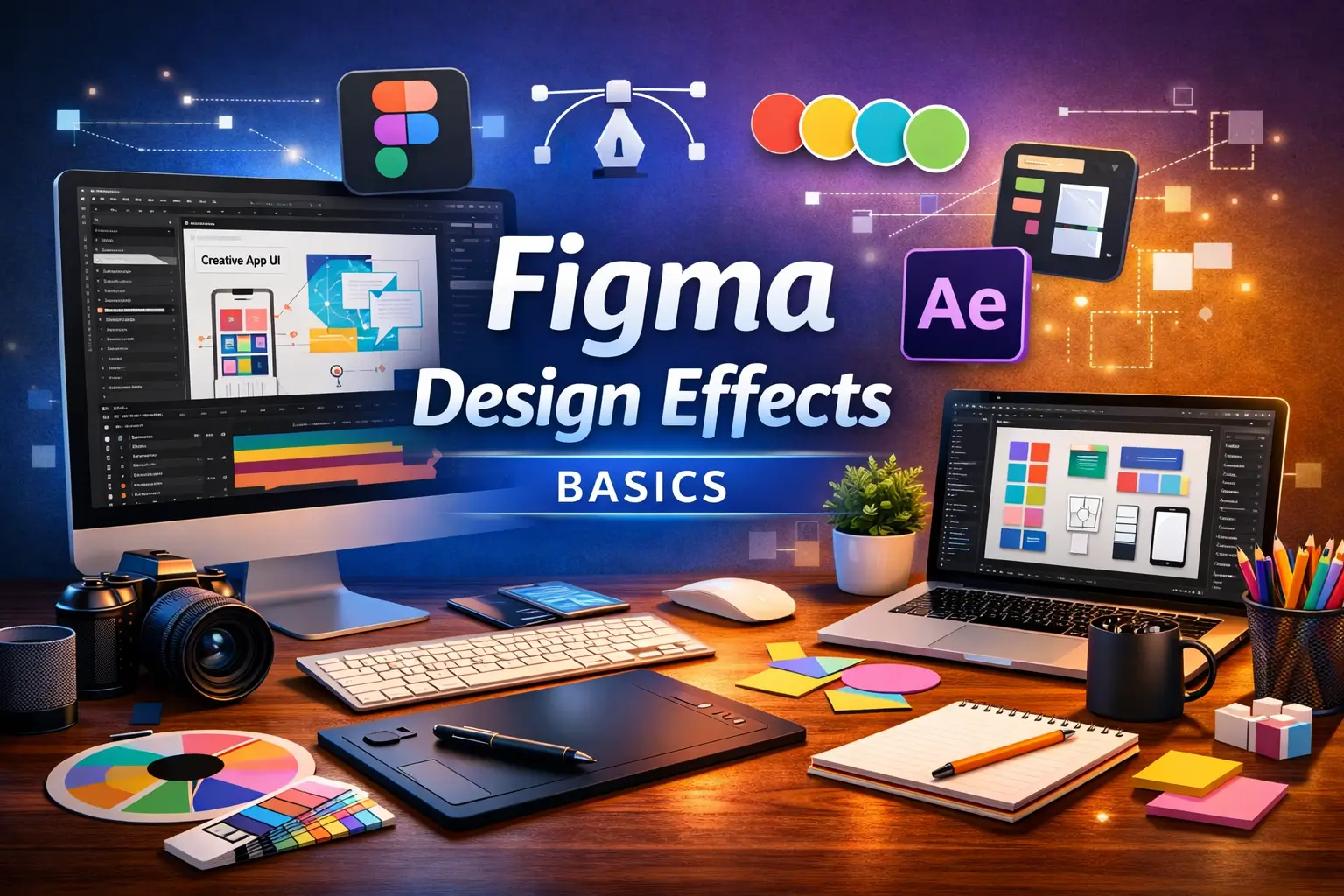
The Figma Design Basics Course is a structured beginner-level program designed to help learners understand modern UI/UX design using Figma. It is a cloud-based design tool widely used for creating website layouts, mobile app interfaces, and interactive prototypes.
Course Overview
Figma allows designers to collaborate in real time and build digital products efficiently. Additionally, it supports wireframing, UI design, prototyping, and design systems within a single platform.
Furthermore, this course explains how to create layouts, structure screens, and design user-friendly interfaces. As a result, learners gain a strong foundation in digital product design and UI/UX workflows.
Why Choose This Course?
In today’s digital world, every website and mobile app requires a well-designed user interface. Moreover, companies prioritize user experience to improve engagement and satisfaction.
Consequently, learning Figma provides strong opportunities in UI/UX design, product design, and freelance design careers.
This course simplifies design concepts so beginners can easily understand how to create professional UI layouts.
What You Will Learn
Figma Fundamentals
Understand interface, tools, and workspace navigation.
UI Design Basics
Learn how to design clean and modern user interfaces.
Wireframing
Create layout structures for websites and apps.
Prototyping
Build interactive designs and user flows.
Components & Systems
Learn reusable design elements and consistency.
Auto Layout
Understand responsive design techniques in Figma.
Skills You Will Gain
After completing this course, learners will develop:
UI design fundamentals
UX understanding
Wireframing skills
Prototyping ability
Visual design thinking
Layout structuring skills
Figma tool proficiency
Creative problem-solving
Design system knowledge
Digital product design skills
Benefits of the Course
The Figma Design Basics Course helps learners build essential UI/UX design skills required in modern digital industries. Additionally, it improves creativity and structured design thinking.
Furthermore, Figma skills are highly valuable in product design, web development, app design, and freelancing. As a result, learners gain strong exposure to high-demand design careers.
Benefits include:
Strong foundation in UI/UX design
Better understanding of digital product design
Improved creativity and layout skills
Career opportunities in design industry
Freelancing opportunities in UI/UX
Web and app design skills
Industry-relevant design knowledge
Future-ready digital skills
Who Should Enroll?
This course is suitable for:
Students
Beginners in design
UI/UX learners
Web designers
App designers
Developers
Freelancers
Creative professionals
Digital marketers
Product design aspirants
Career Opportunities
After completing this course, learners may pursue roles such as:
UI Designer Trainee
UX Designer Assistant
Figma Designer
Product Design Assistant
Web UI Designer
Mobile App Designer
Freelance UI Designer
Design Intern
Creative Designer Trainee
Digital Product Designer Assistant
Certification Details
Upon successful completion of the Figma Design Basics Course, learners receive a certification recognizing their understanding of UI/UX design principles, Figma tools, and digital product design workflows.
Conclusion
The Figma Design Basics Course provides a strong foundation in UI/UX design, wireframing, and prototyping. Furthermore, Figma is one of the most important tools in modern digital product design.
Therefore, mastering Figma helps learners build future-ready design skills and prepares them for careers in UI/UX, web design, and product design industries.
FAQ SECTION
1. What is Figma Design Basics Course?
It is a beginner-level course that teaches UI/UX design using Figma.
2. Who should take this course?
This course is suitable for beginners, designers, and students.
3. Do I need design experience?
No, it is beginner-friendly.
4. What will I learn in this course?
You will learn UI design, wireframing, and prototyping.
5. Is Figma free to use?
Yes, Figma has a free plan for beginners.
6. Can I design apps after this course?
Yes, you can create mobile and web app designs.
7. Is this useful for freelancing?
Yes, UI/UX design has strong freelancing demand.
8. Will I learn prototyping?
Yes, interactive prototyping is included.
9. Will I get a certificate?
Yes, a completion certificate is provided.
10. Is this useful for career growth?
Yes, it is highly valuable in design industries.


Reviews
There are no reviews yet.