
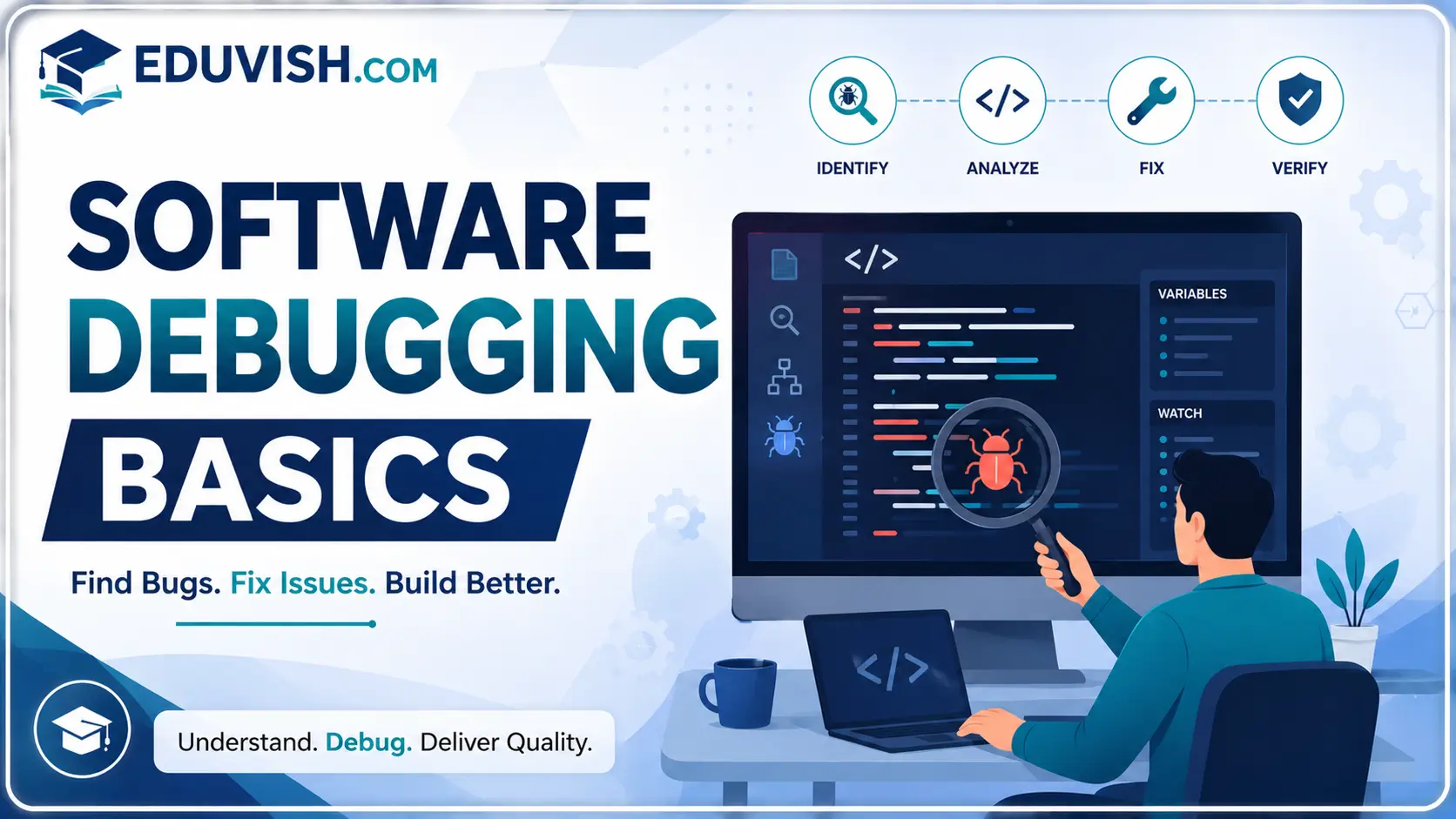
Software Debugging Basics is a practical course designed to introduce learners to the essential techniques and tools used to identify, analyze, and fix errors in software applications. This program covers the fundamentals of debugging, error handling, testing strategies, and the use of integrated development environments (IDEs) for efficient problem-solving.
Students will gain insights into common programming errors, debugging workflows, breakpoints, logging, and automated testing. The course also emphasizes best practices for writing clean code, improving software reliability, and enhancing productivity through systematic debugging approaches.
By the end of this course, participants will be able to:
- Understand the fundamentals of software debugging and error handling.
- Identify syntax, runtime, and logical errors in code.
- Use debugging tools such as breakpoints, watches, and logging.
- Apply systematic debugging workflows to resolve issues efficiently.
- Explore automated testing and continuous integration for error prevention.
- Improve code quality and maintainability through best practices.
- Gain confidence in troubleshooting real-world software projects.
This course is ideal for students, beginner programmers, and IT professionals seeking to strengthen their coding and problem-solving skills. With hands-on exercises, case studies, and industry-focused training, you’ll gain the confidence to debug software effectively and ensure reliable application performance.
FAQ SECTION
1. What is software debugging?
Software debugging is the process of identifying, analyzing, and fixing errors or bugs in software applications.
2. Who should take this course?
Students, programmers, software developers, QA testers, and IT professionals can benefit from this course.
3. Do I need programming experience?
Basic programming knowledge is helpful, but the course is designed to be beginner-friendly.
4. What types of bugs will I learn about?
You will learn about syntax errors, logical errors, runtime issues, performance problems, and application defects.
5. Will I learn debugging tools?
Yes, the course introduces common debugging tools and integrated development environment (IDE) debugging features.
6. Does the course include practical exercises?
Yes, learners participate in hands-on debugging activities and real-world troubleshooting projects.
7. Is certification provided?
Yes, participants receive a certificate upon successful completion of the course.
8. Why is debugging important?
Debugging improves software quality, performance, reliability, and user satisfaction.
9. Does the course cover root cause analysis?
Yes, learners develop analytical skills to identify and resolve the root causes of software issues.
10. What career opportunities are available after completing this course?
Career paths include Software Developer, QA Tester, Application Support Engineer, Software Analyst, Junior Programmer, and Technical Support Specialist.




Reviews
There are no reviews yet.