
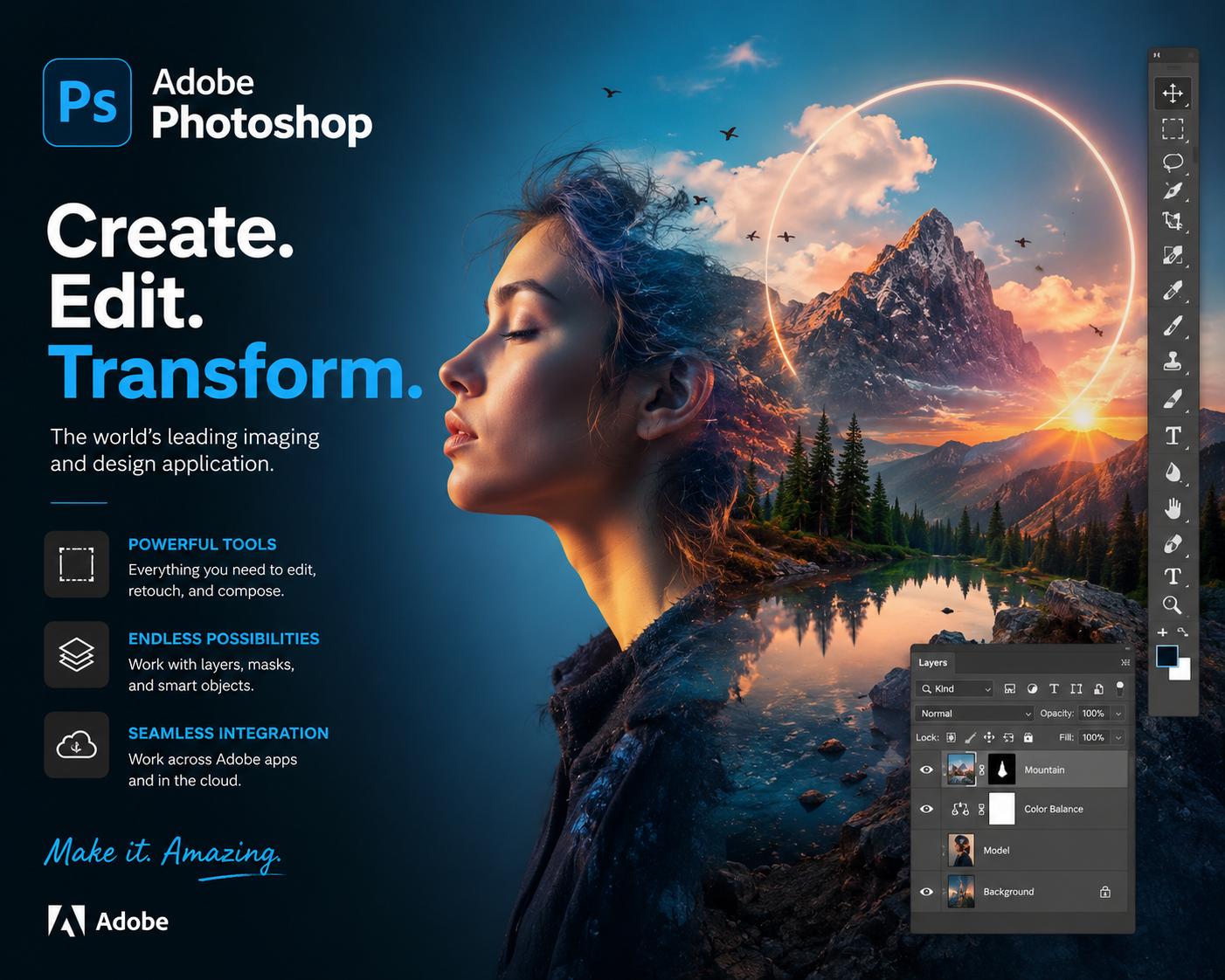
Adobe Photoshop is the world’s leading software for image editing, graphic design, and digital art creation. This comprehensive course introduces learners to the fundamentals of Photoshop, covering essential tools, layers, masks, filters, and advanced editing techniques.
Students will gain hands-on experience in photo retouching, color correction, typography, and digital illustration. The course also explores creative workflows for designing social media graphics, marketing materials, and web assets, ensuring learners can produce professional-quality visuals for diverse industries.
By the end of this course, participants will be able to:
- Understand the Photoshop interface and core editing tools.
- Work with layers, masks, and blending modes for complex designs.
- Retouch and enhance photos with precision.
- Apply filters, effects, and adjustments for creative impact.
- Design posters, logos, and social media graphics.
- Create digital artwork and illustrations using brushes and advanced techniques.
- Export optimized images for print, web, and digital platforms.
This course is ideal for students, designers, photographers, and professionals who want to master Photoshop for creative and commercial projects. With project-based learning and real-world examples, you’ll gain the confidence to transform ideas into stunning visuals.
FAQ SECTION
1. What is the Adobe Photoshop Course?
The course teaches image editing, photo retouching, graphic design, color correction, and creative design techniques using Photoshop.
2. Who should enroll in this course?
Students, photographers, graphic designers, content creators, freelancers, digital marketers, and beginners can enroll.
3. Do I need prior Photoshop experience?
No. The course is designed for beginners and starts with Photoshop fundamentals.
4. What skills will I learn?
You will learn photo editing, image retouching, graphic design, color correction, typography, and digital content creation.
5. Is Photoshop useful for graphic design?
Yes. Photoshop is one of the most widely used tools for graphic design, digital art, and image editing.
6. Will I work on practical projects?
Yes. The course includes hands-on projects such as posters, social media graphics, and marketing materials.
7. Can Photoshop help in freelancing careers?
Yes. Photoshop skills are highly valuable for freelance designers, editors, and content creators.
8. Is a certificate provided?
Yes. Learners receive a certificate upon successful completion of the course.
9. Can I take the course online?
Yes. The course is fully online and can be completed at your own pace.
10. What career opportunities are available after this course?
Career opportunities include Graphic Designer, Photo Editor, Digital Artist, Content Creator, Marketing Designer, and Freelance Creative Professional.

Reviews
There are no reviews yet.