
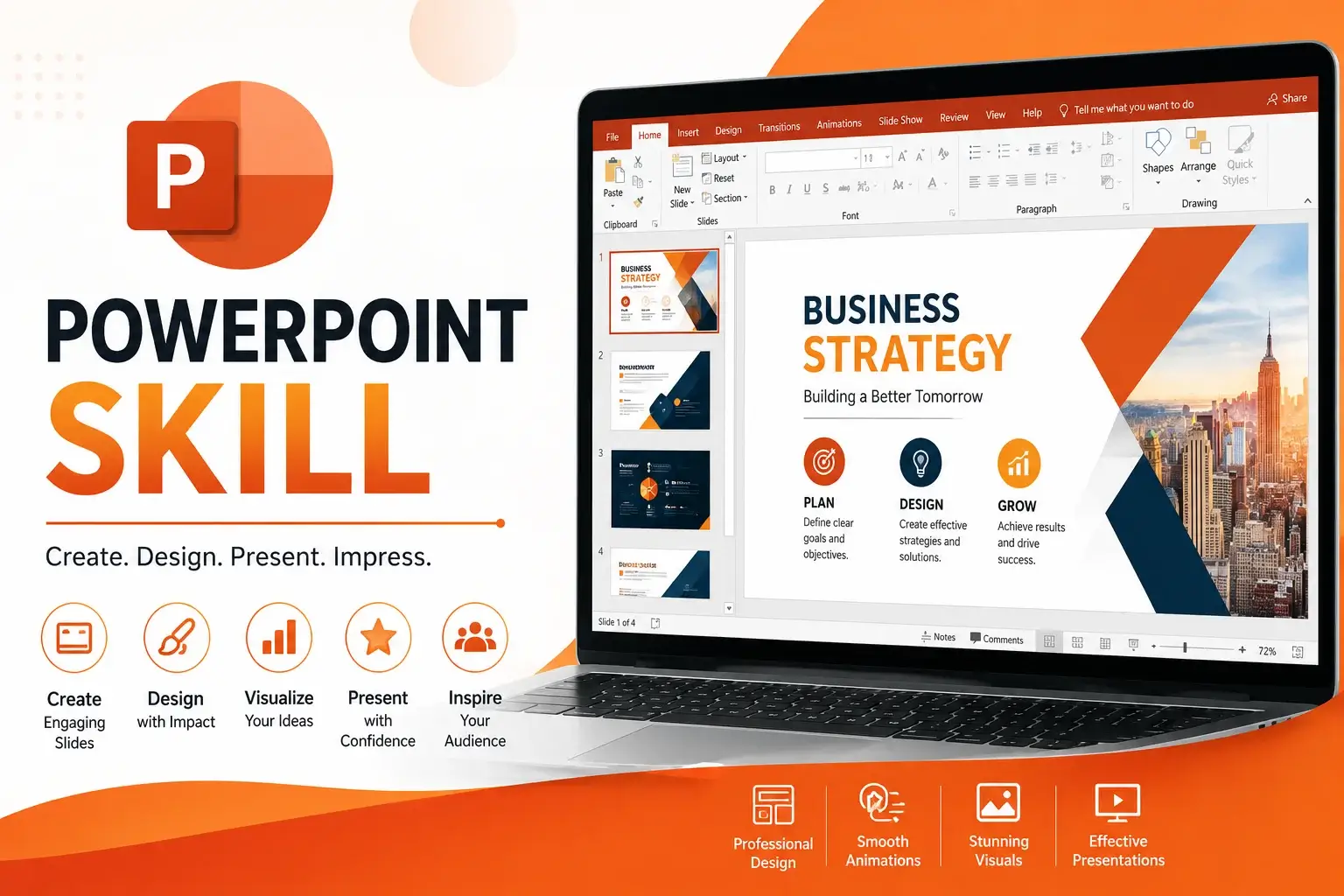
PowerPoint Skills: Create Impactful Presentations
Why Choose This PowerPoint Skill Course?
In today’s professional and academic world, the ability to design clear, engaging, and visually appealing presentations is essential. Our PowerPoint Skill Course is designed to help learners master Microsoft PowerPoint from the basics to advanced features. Whether you’re a student preparing assignments, a professional delivering business pitches, or an entrepreneur showcasing ideas, this course equips you with the skills to communicate effectively through presentations.
Key Benefits
- Comprehensive Coverage: Learn everything from slide design to advanced animations.
- Hands‑On Practice: Build real presentations with practical exercises.
- Career Growth: Presentation skills are highly valued across industries.
- Creativity Boost: Discover design techniques to make slides visually appealing.
- Certification: Earn a recognized credential to showcase your expertise.
Learning Outcomes
By the end of this course, you will:
- Understand the fundamentals of PowerPoint navigation and slide creation.
- Design professional slides with themes, layouts, and templates.
- Use charts, graphs, and SmartArt to present data effectively.
- Apply animations and transitions to enhance audience engagement.
- Incorporate multimedia elements like images, audio, and video.
- Master presentation delivery techniques for confidence and clarity.
- Create business reports, academic projects, and marketing decks with ease.
Who Should Enroll?
This course is ideal for:
- Students & Graduates: Preparing impactful academic presentations.
- Business Professionals: Delivering pitches, reports, and meetings effectively.
- Teachers & Trainers: Designing engaging learning materials.
- Entrepreneurs: Showcasing ideas to investors and clients.
- Career Switchers: Adding a valuable skill to their portfolio.
Unique Features
- Step‑by‑Step Guidance: Easy explanations for beginners and advanced learners.
- Real‑World Case Studies: Learn how PowerPoint is used in business and education.
- Interactive Exercises: Practice files included for hands‑on learning.
- Updated Curriculum: Covers the latest PowerPoint features and shortcuts.
- Expert Trainers: Learn from professionals with years of presentation experience.
Why PowerPoint Matters
PowerPoint is more than just slides—it’s a tool for storytelling, persuasion, and communication. From classrooms to boardrooms, effective presentations can influence decisions, inspire audiences, and drive success. Mastering PowerPoint gives you the ability to present ideas with clarity and confidence, making you stand out in any professional or academic setting.
Course Highlights
- PowerPoint Basics: Navigation, slide creation, and formatting.
- Design Principles: Layouts, themes, and visual hierarchy.
- Data Visualization: Charts, graphs, and SmartArt.
- Animations & Transitions: Enhancing audience engagement.
- Multimedia Integration: Images, audio, and video.
- Presentation Delivery: Tips for confident public speaking.
Final Takeaway
Enroll in our PowerPoint Skill Course today and gain the ability to design and deliver impactful presentations. With practical training, expert guidance, and a recognized certification, you’ll be ready to impress audiences and excel in your academic and professional journey.
FAQ SECTION
1. What is a PowerPoint Skills Course?
A PowerPoint Skills Course teaches presentation design, slide creation, animations, visual communication, and presentation delivery techniques.
2. Who should take this course?
Students, professionals, teachers, trainers, entrepreneurs, and job seekers can benefit from this course.
3. Do I need prior PowerPoint experience?
No, the course is suitable for beginners and experienced users.
4. What skills will I learn?
Slide design, visual storytelling, animations, data visualization, and presentation delivery.
5. Will I receive a certificate?
Yes, participants receive a course completion certificate.
6. Is the course available online?
Yes, learners can complete the course online.
7. Can this course improve my presentation skills?
Yes, the course focuses on both presentation design and delivery techniques.
8. Is PowerPoint still relevant in today’s workplace?
Absolutely. PowerPoint remains one of the most widely used presentation tools globally.
9. What industries use PowerPoint skills?
Education, business, marketing, sales, consulting, training, healthcare, and many others.
10. How long does it take to complete the course?
The duration depends on the course structure and learning pace.


Reviews
There are no reviews yet.