
Introduction
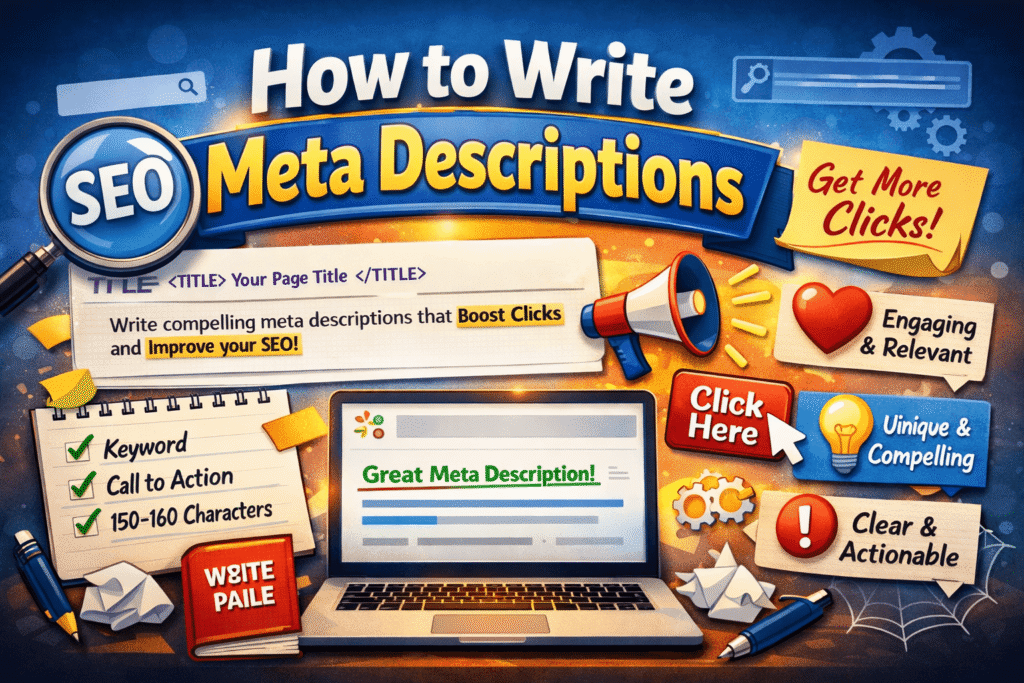
Meta descriptions are small but powerful. They’re the short snippets that appear under your page title in search results — and they can make or break your click-through rate. A well-written meta description helps users understand what your page offers and encourages them to visit your site.
In this guide, you’ll learn how to write meta descriptions that improve your SEO, attract more clicks, and boost your website’s visibility on Google.
What Is a Meta Description?
A meta description is a short summary (usually 150–160 characters) that describes the content of a webpage. It appears in search engine results below the title tag and helps users decide whether to click your link.
Example:
“Learn how to write effective meta descriptions that boost your SEO and attract more visitors to your website.”
Why Meta Descriptions Matter
- Increase Click-Through Rate (CTR): A compelling meta description encourages users to click your link.
- Improve SEO Performance: While not a direct ranking factor, a higher CTR signals relevance to Google.
- Enhance User Experience: It gives readers a quick preview of your content.
- Boost Brand Credibility: Professional descriptions make your site look trustworthy.
Ideal Length for Meta Descriptions
Keep your meta descriptions between 150–160 characters. Anything longer may get cut off in search results.
✅ Tip: Use concise, action-oriented language that fits within this limit.
How to Write Effective Meta Descriptions
1. Include Target Keywords
Use your main keyword naturally in the description. It helps search engines understand your content and highlights relevance to users.
2. Focus on User Intent
Think about what users are searching for. Your meta description should answer their question or promise a solution.
3. Make It Action-Oriented
Use verbs like “Discover,” “Learn,” “Explore,” or “Find out” to encourage clicks.
4. Add a Unique Selling Point (USP)
Highlight what makes your content different — whether it’s expert advice, free resources, or step-by-step guidance.
5. Avoid Keyword Stuffing
Overusing keywords looks spammy and discourages clicks. Keep it natural and readable.
6. Use Emotional Triggers
Words like “easy,” “proven,” “simple,” or “powerful” evoke curiosity and trust.
7. Match the Page Content
Your meta description should accurately reflect the page. Misleading descriptions can increase bounce rates.
8. Add a Call to Action (CTA)
Encourage users to take action — “Read more,” “Start now,” or “Get expert tips.”
Examples of Good Meta Descriptions
| Type | Example |
|---|---|
| Blog Post | “Learn how to write SEO-friendly meta descriptions that boost your website’s visibility and attract more clicks.” |
| Product Page | “Shop eco-friendly notebooks designed for creative minds. Free shipping and exclusive discounts available!” |
| Service Page | “Get expert digital marketing services to grow your business online. Contact us today for a free consultation.” |
Common Mistakes to Avoid
- Writing too long or too short descriptions
- Copying the same meta description for multiple pages
- Ignoring keywords
- Using vague or generic phrases
- Forgetting to include a CTA
Tools to Help You Write Meta Descriptions
- Yoast SEO – Helps optimize meta descriptions in WordPress.
- SEMrush – Suggests keyword-rich meta tags.
- Ahrefs – Analyzes competitors’ meta descriptions.
- Google SERP Simulator – Previews how your meta description will appear in search results.