
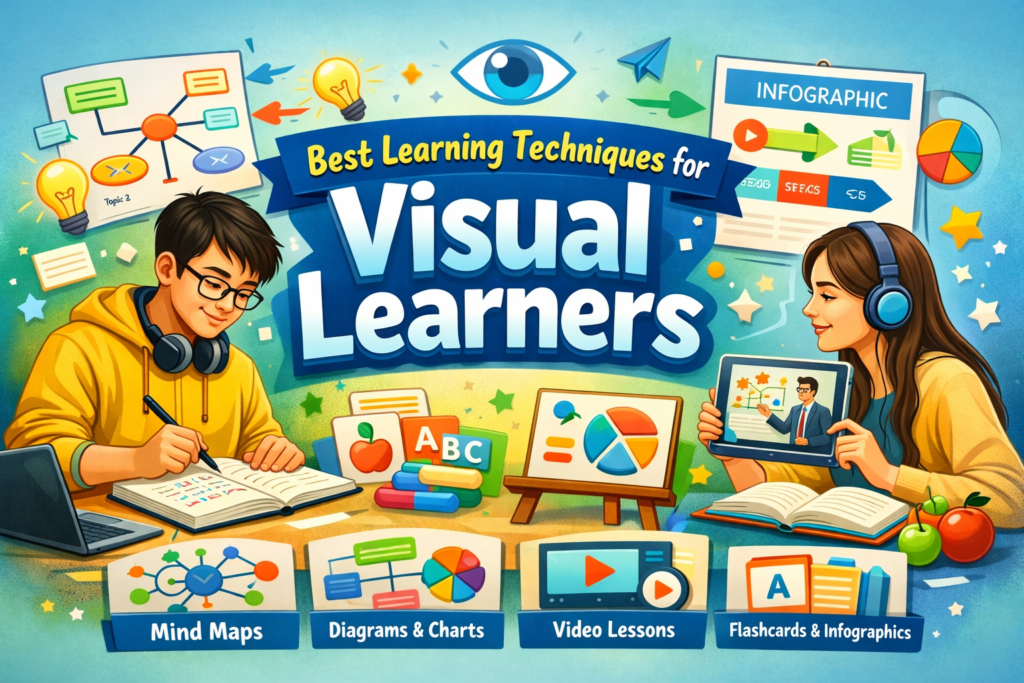
Introduction
Every student learns differently — some prefer listening, others reading, and many thrive through visual learning. If you’re someone who understands better by seeing diagrams, charts, or videos, you’re a visual learner.
In 2026, with digital education booming, visual learning has become one of the most effective ways to absorb and retain information. This article explores the best learning techniques for visual learners, helping you study smarter and achieve academic success.
Who Are Visual Learners?
Visual learners process information best when it’s presented in a visual format — through images, colors, patterns, and spatial relationships. They prefer seeing concepts rather than hearing or reading long explanations.
Common Traits of Visual Learners:
- Remember faces better than names
- Prefer diagrams, charts, and infographics
- Organize notes with colors and symbols
- Enjoy watching educational videos
- Struggle with purely verbal instructions
💡 Example: A visual learner might understand the water cycle better through a labeled diagram than a paragraph of text.
Why Visual Learning Works
Visual learning engages both the right and left hemispheres of the brain, improving comprehension and memory. Studies show that visuals can increase retention by up to 65% compared to text alone.
Benefits:
- Enhances understanding of complex topics
- Improves long‑term memory
- Boosts creativity and critical thinking
- Makes learning more interactive and enjoyable
Best Learning Techniques for Visual Learners
Let’s explore practical techniques that help visual learners study effectively.
1. Mind Mapping
Mind maps visually organize information using branches, colors, and keywords. 💡 Example: Create a mind map for “Photosynthesis” with branches for sunlight, chlorophyll, and oxygen.
Tips:
- Use colored pens or digital tools like MindMeister.
- Keep branches short and clear.
- Add icons or small drawings for quick recall.
2. Use Diagrams and Flowcharts
Visual learners grasp processes better through diagrams. 💡 Example: Draw a flowchart to understand the steps of the scientific method.
Tips:
- Replace long notes with visual summaries.
- Use arrows and shapes to show relationships.
- Review diagrams before exams for quick revision.
3. Color‑Coding Notes
Colors help categorize and highlight important information. 💡 Example: Use blue for definitions, green for examples, and red for formulas.
Tips:
- Avoid overusing colors — stick to 3–4 shades.
- Use highlighters or digital note‑taking apps.
- Create a consistent color scheme across subjects.
4. Visual Flashcards
Flashcards combine text and visuals for quick recall. 💡 Example: Add images or symbols to vocabulary flashcards.
Tips:
- Use apps like Quizlet or Canva.
- Include diagrams or icons on each card.
- Review cards daily using spaced repetition.
5. Infographics and Charts
Infographics simplify complex data into visual summaries. 💡 Example: Create an infographic comparing renewable and non‑renewable energy sources.
Tips:
- Use free tools like Piktochart or Venngage.
- Focus on clarity, not decoration.
- Share infographics with peers for collaborative learning.
6. Video‑Based Learning
Videos combine visuals, motion, and sound — perfect for visual learners. 💡 Example: Watch animated tutorials on YouTube or Khan Academy.
Tips:
- Pause and take notes while watching.
- Rewatch difficult sections.
- Create playlists for each subject.
7. Use Visual Study Apps
Digital tools make visual learning easier. Recommended Apps:
| App | Purpose |
|---|---|
| Canva | Create visual notes and posters |
| Notion | Organize study materials visually |
| Miro | Build collaborative mind maps |
| Google Slides | Design visual presentations |
8. Create Concept Maps
Concept maps show relationships between ideas. 💡 Example: Link “Climate Change” to causes, effects, and solutions.
Tips:
- Use arrows and connectors.
- Keep maps simple and logical.
- Review them before exams.
9. Visualize While Reading
Turn text into mental images. 💡 Example: When reading about the solar system, imagine planets orbiting the sun.
Tips:
- Sketch what you read.
- Use visualization to remember details.
- Combine reading with diagrams.
10. Use Symbols and Icons
Symbols simplify information and make notes memorable. 💡 Example: Use arrows for cause‑effect, stars for important points, and clocks for time‑related topics.
Tips:
- Create your own symbol system.
- Use emojis or icons in digital notes.
- Keep symbols consistent across subjects.