
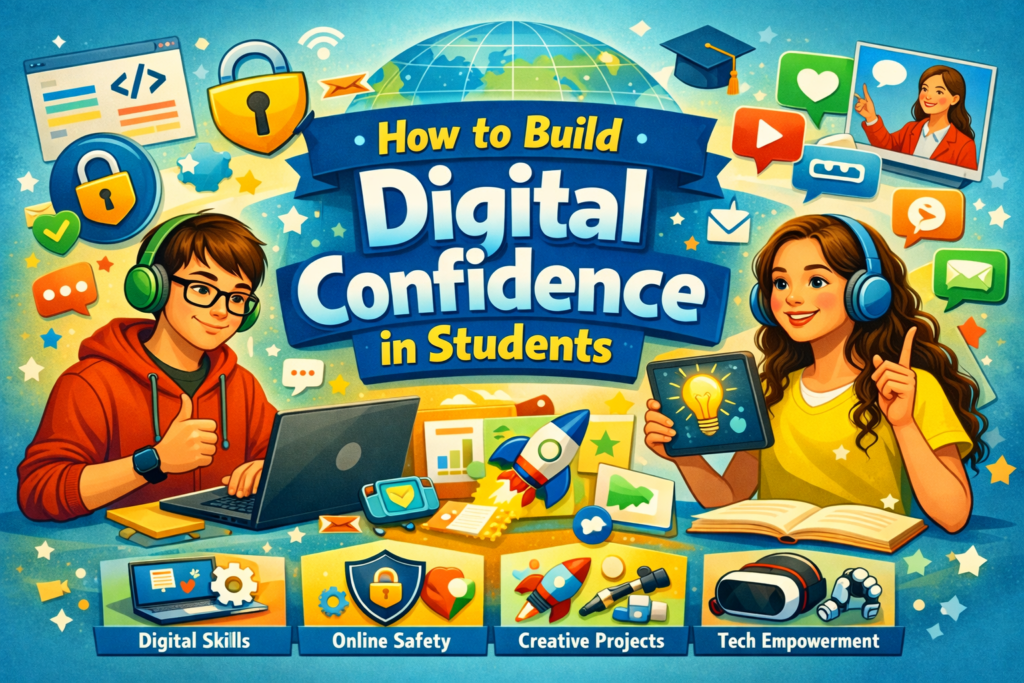
Introduction
In today’s fast‑paced digital world, digital confidence is as essential as academic knowledge. Students who feel comfortable using technology can learn faster, collaborate better, and prepare for future careers.
Building digital confidence means helping students trust their abilities to use digital tools safely, creatively, and effectively. This article explores practical strategies, tools, and habits to empower students to become confident digital citizens.
What Is Digital Confidence?
Digital confidence is the ability to use technology with competence, creativity, and critical thinking. It’s not just about knowing how to use devices — it’s about understanding how to use them responsibly and effectively.
Key Components:
- Digital Literacy: Understanding how technology works
- Digital Safety: Knowing how to protect privacy and data
- Digital Creativity: Using tools to innovate and express ideas
- Digital Communication: Collaborating effectively online
Why Digital Confidence Matters for Students
Digital confidence prepares students for both academic and professional success.
Benefits:
- Enhances learning through interactive tools
- Builds problem‑solving and critical‑thinking skills
- Encourages creativity and innovation
- Improves communication and collaboration
- Prepares students for digital careers
💡 Example: A student confident in digital tools can create presentations, analyze data, and collaborate globally — skills essential for modern workplaces.
Steps to Build Digital Confidence in Students
Let’s explore actionable strategies educators and parents can use to nurture digital confidence.
1. Start with Digital Literacy
Teach students the basics — how to use computers, tablets, and software effectively. 💡 Example: Introduce typing games, coding basics, and online research skills.
Tips:
- Encourage exploration of educational apps.
- Teach shortcuts and productivity tools.
- Explain how search engines and algorithms work.
2. Promote Safe Online Practices
Digital confidence grows when students feel safe online. 💡 Example: Discuss topics like cyberbullying, privacy, and digital footprints.
Tips:
- Teach password management and data protection.
- Encourage reporting suspicious activities.
- Use real‑life examples to explain online risks.
3. Encourage Digital Creativity
Let students use technology to express themselves. 💡 Example: Create digital art, videos, blogs, or podcasts.
Tips:
- Introduce tools like Canva, Adobe Express, or Scratch.
- Organize digital storytelling projects.
- Celebrate creative digital work in class.
4. Integrate Technology in Learning
Use digital tools to make learning interactive and engaging. 💡 Example: Use Google Classroom, Kahoot, or Quizizz for assignments and quizzes.
Tips:
- Blend traditional teaching with digital activities.
- Encourage collaboration through online platforms.
- Provide feedback using digital tools.
5. Build Problem‑Solving Skills
Confidence comes from overcoming challenges. 💡 Example: Assign projects that require students to troubleshoot or research online.
Tips:
- Teach students how to find credible sources.
- Encourage independent learning.
- Reward creative problem‑solving.
6. Foster a Growth Mindset
Mistakes are part of learning. Help students see technology as a tool for growth. 💡 Example: When a student struggles with a new app, guide them patiently instead of fixing it for them.
Tips:
- Encourage experimentation.
- Celebrate progress, not perfection.
- Share stories of digital innovators.
7. Provide Hands‑On Experience
Confidence grows through practice. 💡 Example: Let students design websites, edit videos, or analyze data sets.
Tips:
- Organize digital workshops.
- Include real‑world projects.
- Encourage peer teaching.
8. Teach Digital Ethics
Digital confidence includes understanding right and wrong online. 💡 Example: Discuss plagiarism, copyright, and respectful communication.
Tips:
- Teach students to credit sources.
- Promote empathy and kindness online.
- Encourage responsible social media use.
9. Encourage Collaboration
Digital tools make teamwork easier. 💡 Example: Use shared documents or group projects on cloud platforms.
Tips:
- Teach communication etiquette.
- Use tools like Microsoft Teams or Slack.
- Encourage peer feedback.
10. Measure and Celebrate Progress
Recognize achievements to boost confidence. 💡 Example: Award badges for mastering digital skills.
Tips:
- Track progress through digital portfolios.
- Celebrate milestones publicly.
- Encourage students to reflect on their growth.